Genealogy without the fuss.
WinFamily Classic 6.02 has helped people register their families since 1999. It is quick to learn, runs on Windows 10 and 11, and your data stays on your own computer.
Free to try. Buy a licence for DKK 199 when you want to print.
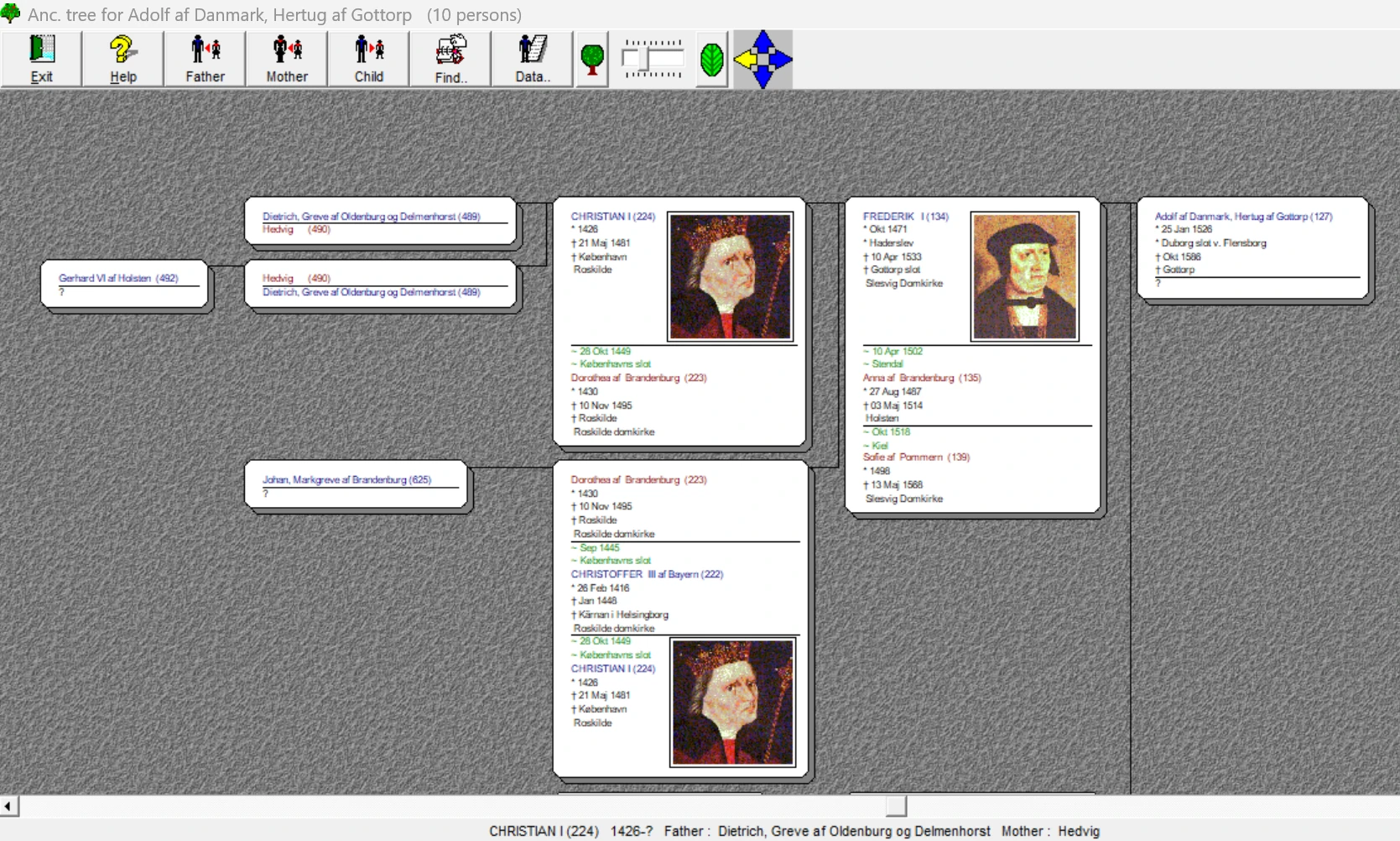
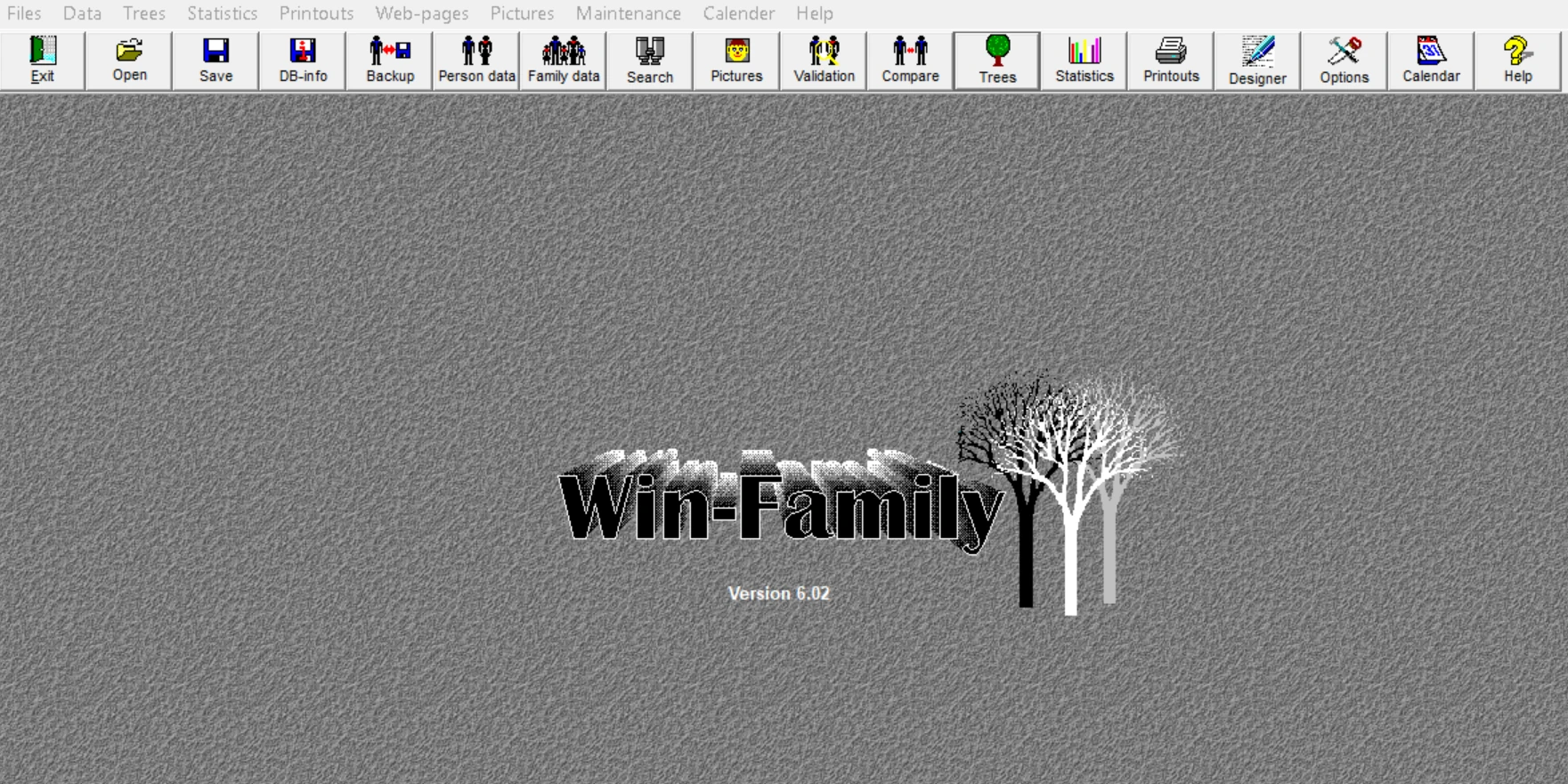
Yes, it looks like 1999. That is the point.
We tried newer versions. Our users kept coming back to Classic. Every button is where it has always been, there is no cloud account to create and no monthly subscription.
If you can use a Windows program, you can use WinFamily. Your time goes into your family history, not into learning software.
Everything a family researcher needs, and nothing more
From the first name you type in to the finished family book on your shelf.
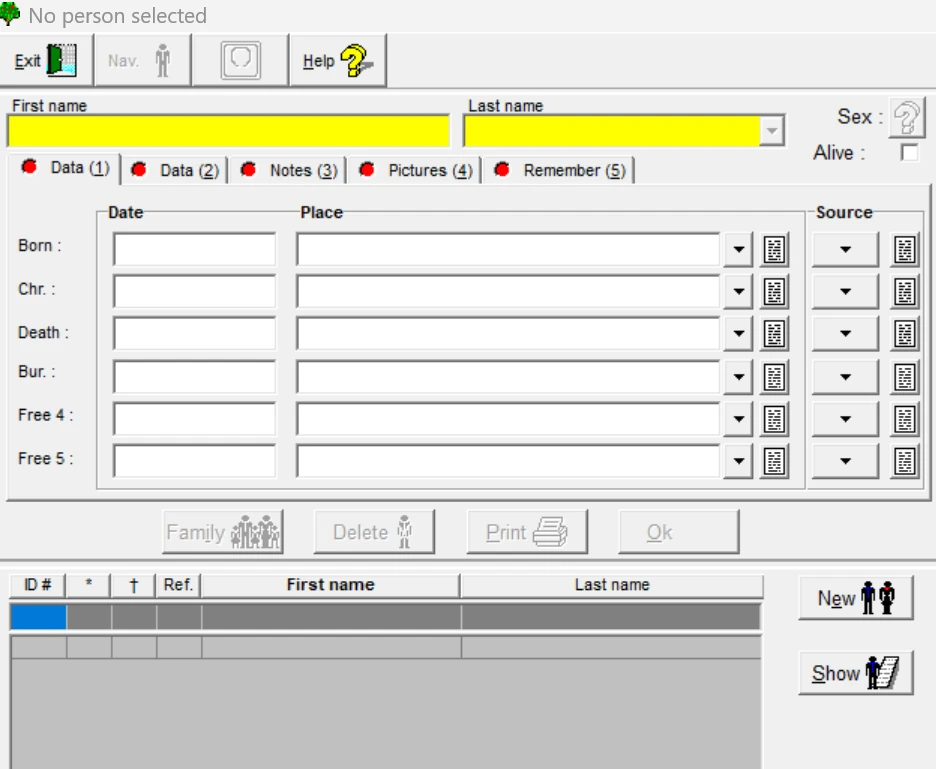
Register a person in one window
Birth, christening, death and burial with dates, places and sources. Notes, pictures and reminders sit in tabs on the same screen. Mark a person as alive, and their details stay private when you publish.
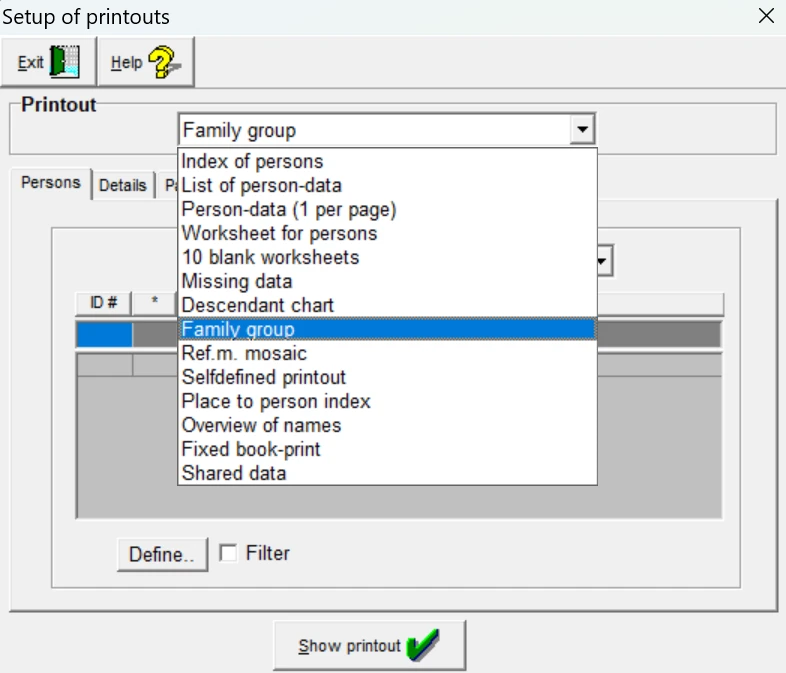
Trees, printouts and a real family book
Print ancestor and descendant trees, suns, family groups, indexes and worksheets. Turn the tree in any direction and choose how much to show for each person, so it fits the page you are printing on.
When you are ready, collect it all in a printed family book.
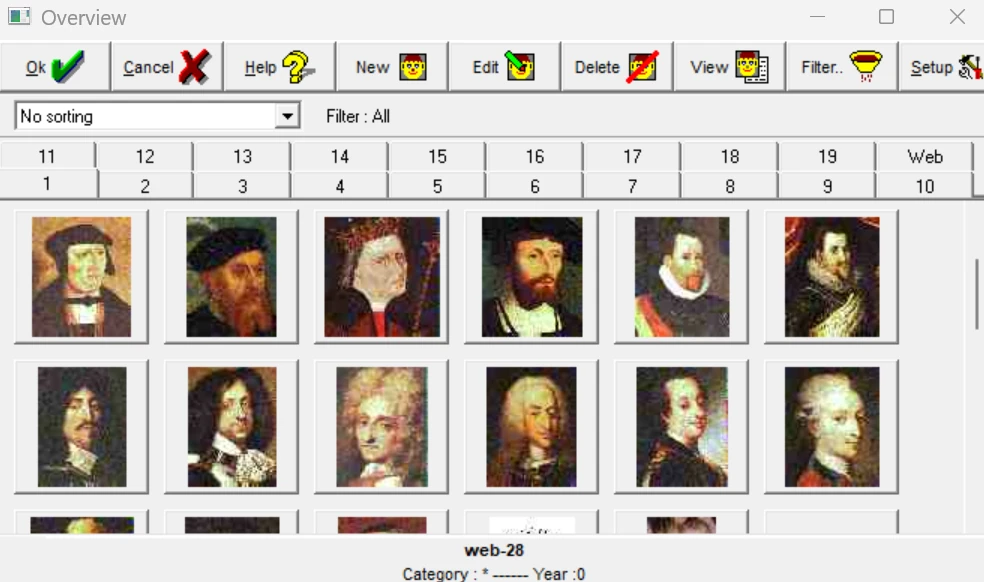
Faces to go with the names
Add portraits and documents to people and families. Sort and filter the picture archive, and the photos follow along into trees, printouts and web pages.
Your data is never locked in
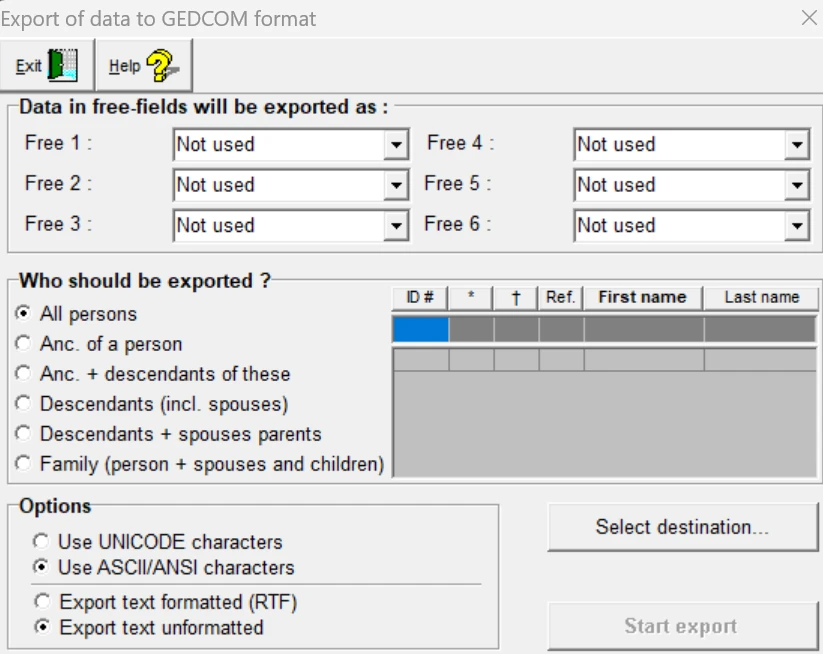
Import GEDCOM files from other programs, and export everything or just one branch whenever you want. If WinFamily is not for you, take your work with you to any program that reads GEDCOM.
Trying it costs you nothing.
Also included
Your own website
Linked, fully indexed web pages from your database, with your own colours, fonts and backgrounds.
Data validation
Finds impossible dates, odd ages, missing pictures and people who are not connected to anyone.
Statistics
Children per marriage, age at death, age at first child, timelines and more.
Calendar
See birthdays and anniversaries for any month and count days between two dates.
Design your own forms
Build printouts field by field if the ready-made ones are not quite what you want.
Animal breeding too
Switch to animal terms and use WinFamily to keep pedigrees for dogs, horses and other breeds.
Get started in three steps
For Windows 10 and Windows 11. The program is in English, and you can add your own language afterwards.
- 1
Download and install
Run the installer and follow the steps on screen.
Download WinFamily 6.02 - 2
Add your language
Optional. Choose a language pack below and install it after the program.
- 3
Start with yourself
Register yourself, then your parents and grandparents. Or import a GEDCOM file you already have.
Try it free
Register as many people as you like and see every printout on screen. Printing requires a licence.
Download free versionFull licence
DKK 199Unlock printing, the family book and your own website. One payment, no subscription. Your registered data carries straight over.
Order licenceManuals
Read them on screen or print them out. Free, as PDF.
Need help?
Most questions are already answered in the FAQ. If not, write to us and we will get back to you.
Good to know: Classic handles up to about 64,000 people per family file.